
Introduction
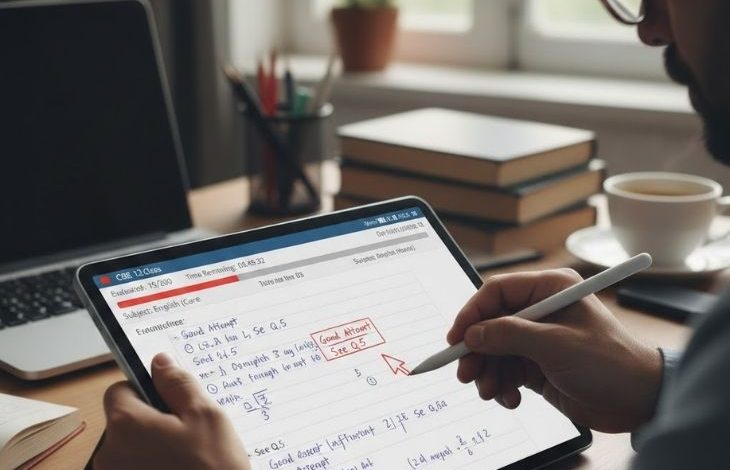
Having good notes makes studying easier, but most students lose their best notes right before exams. Whether you are attending online classes, preparing for exams, or writing homework ideas, a good note-taking app can help you stay organized and save time. The best thing is that many amazing note-taking apps are completely free and work on phones, tablets, and computers. Today’s students need apps that are smarter, faster, and more powerful than any paper notebook you have ever carried. Some apps help you type notes, while others allow you to draw, record voice notes, or organize study material in folders. Choosing the right app can improve focus, boost productivity, and help students study smarter instead of harder. In this blog, we will explore the best free note-taking apps for students that are popular, beginner-friendly, and packed with useful features. No matter what stage of education you are in, these apps will make your study life a whole lot easier.
Microsoft OneNote
Microsoft OneNote is one of the most powerful free note-taking apps for students. It is completely free and available on Windows, Mac, iOS, and Android. It works like a digital notebook where students can create different sections and pages for each subject.
Why Students Love It
- Syncs across devices
- Organize notes into notebooks, sections, and pages
- Lets you type, draw, paste images, record audio, and even write with a stylus all in one place.
- Great for class notes and projects
- Fully offline support for studying anywhere, anytime.
OneNote is especially useful for students who want to keep all subjects organized in one app. Students love the ability to insert images of textbook pages and write directly on top of them.
Google Keep
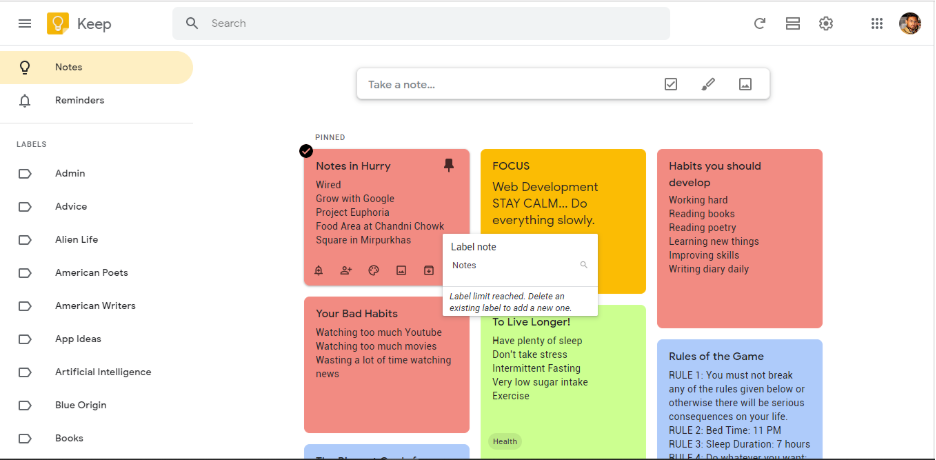
Google Keep is simple, colorful, and easy to use. It is perfect for students who want quick notes, reminders, or to-do lists. It syncs automatically with your Google account.
Best Features
- Fast and lightweight
- Completely free
- Works on every device
- Voice note support
- Color labels for organization
- Easy reminder system
Google Keep is perfect for students who need to capture ideas quickly during a lecture. Since it connects directly with Google Docs and Google Drive, you can easily expand a quick note into a full document whenever you need to.
Notion
Notion is one of the most powerful free note-taking apps available for students in 2026. It has become very popular among students in recent years. It lets you create notes, to-do lists, study schedules, and databases all in one place.

Why It’s Great
- Beautiful and modern design
- Custom study planners
- Templates for students
- Team collaboration
- All-in-one workspace
You can organize your notes by subject, semester, or topic and find anything within seconds. The free plan for students is extremely generous. Although Notion may feel confusing at first, students quickly learn how powerful it can be for organizing study life. Students who use Notion consistently report feeling far more organized and less stressed during exam season.
Evernote Free Plan
Evernote is another excellent free note-taking app that helps students save ideas, lecture notes, and research material. The free plan gives students enough features to manage their notes comfortably.
Main Benefits
- Web clipping tool
- Notebook organization
- Search inside notes
- Add images and PDFs
- Easy synchronization
The web clipper extension is one of the most useful tools for students who do a lot of online research.
Zoho Notebook
Zoho Notebook offers a beautiful card-based design where each note looks like a colorful card on your screen.

Benefits
- Free cloud syncing
- Beautiful note cards
- Audio note support
- Photo notes support
- Checklist creation
- Simple user interface
All these features are completely free with no storage limits. Zoho Notebook also lets you lock individual notebooks with a passcode. It works smoothly on both mobile and desktop and syncs across all your devices. Students who enjoy visually appealing apps may find Zoho Notebook more fun to use than traditional apps.
Apple Notes
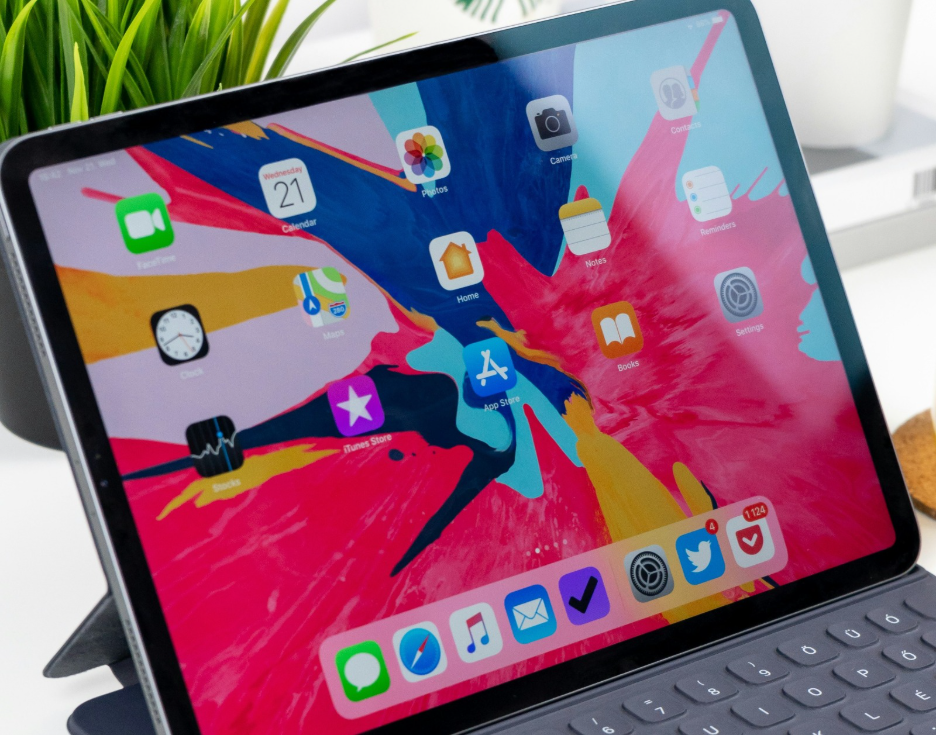
If you use an iPhone or iPad, Apple Notes is already on your home screen.
Best Things About It
- Free for Apple users & Quick syncing
- Password-protected notes
- Handwriting support
- Folder organization & Create checklists
- Scan documents
- Draw sketches
- Collaborate with classmates in real time
The Smart Folders feature automatically organizes your notes based on tags and content. Apple Notes works completely offline and syncs instantly across all Apple devices through iCloud.
Simplenote
As the name suggests, Simplenote focuses on simplicity. It is best for students who only need clean text notes without extra tools.
Key Features
- Very easy to use
- Fast syncing
- Lightweight app
- Dark mode support
- Free backups
It lets you search through all your notes in milliseconds. It also has a version history feature so you can recover deleted notes. This app is perfect for students who get distracted by complicated apps and want a distraction-free experience.
Tips to Get the Most Out of Any Note-Taking App
Here are some habits that will make any note-taking app work better for you:
- Use one app consistently switching apps every week wastes more time than it saves
- Create a folder for every subject keep things organized from day one
- Review your notes within 24 hours studies show this doubles how much you remember
- Use headings and bullet points avoid writing long paragraphs in your notes
- Add the date to every note this helps you track what you studied and when
- Back up your notes regularly use cloud sync so you never lose anything
- Keep your notes short and clear write key points only, not everything word for word
Using AI with Note-Taking Apps
In 2026, the smartest students combine traditional note-taking apps with AI assistants. You take notes in Notion or Google Keep as usual, then use ChatGPT to summarize, explain, or quiz you on those notes. Notion also has a built-in AI feature that can summarize long notes, suggest improvements, and translate notes into simpler language. Using AI alongside your note-taking app is studying smarter.
Conclusion
Finding the best free note-taking apps for students can completely change the way students study and manage school work. A good app keeps your notes safe, organized, and easy to access anytime. Whether you prefer simple text notes, colorful planners, or handwritten study material, there is a free app available for everyone. Apps like Microsoft OneNote, Notion, and Google Keep are excellent choices for students because they are easy to use and packed with helpful features. The best part is that students do not need to spend money to stay organized and productive. The most important thing is to pick one app, stick with it, and build a consistent note-taking habit around it. Your future exam results will thank you for it.
FAQs
Microsoft OneNote and Notion are considered some of the best free note-taking apps for students because they offer powerful organization and study tools.
Google Keep and Simplenote are very easy to use and perfect for beginners who want simple and quick note-taking.
Yes, most popular note-taking apps are safe and secure. Many apps also offer cloud backup and password protection to keep notes protected.
Yes, many apps like Evernote and Microsoft OneNote allow students to sync notes across phones, tablets, and computers.
Yes, note-taking apps help students stay organized, manage subjects easily, and review notes faster, which can improve learning and productivity.